


What the LivU Website Actually Is
Plenty of people discover LivU by accident, stumbling across it while looking for something fresher than the swipe-heavy apps they have grown tired of. LivU is a live video chat and social discovery platform built around real-time connection. Unlike profile-browsing apps where you spend days exchanging text messages before meeting anyone, LivU puts you face-to-face with another person almost immediately. The platform supports real-time translation across 28 languages, which means a conversation with someone in Tokyo or Lisbon does not have to feel awkward.
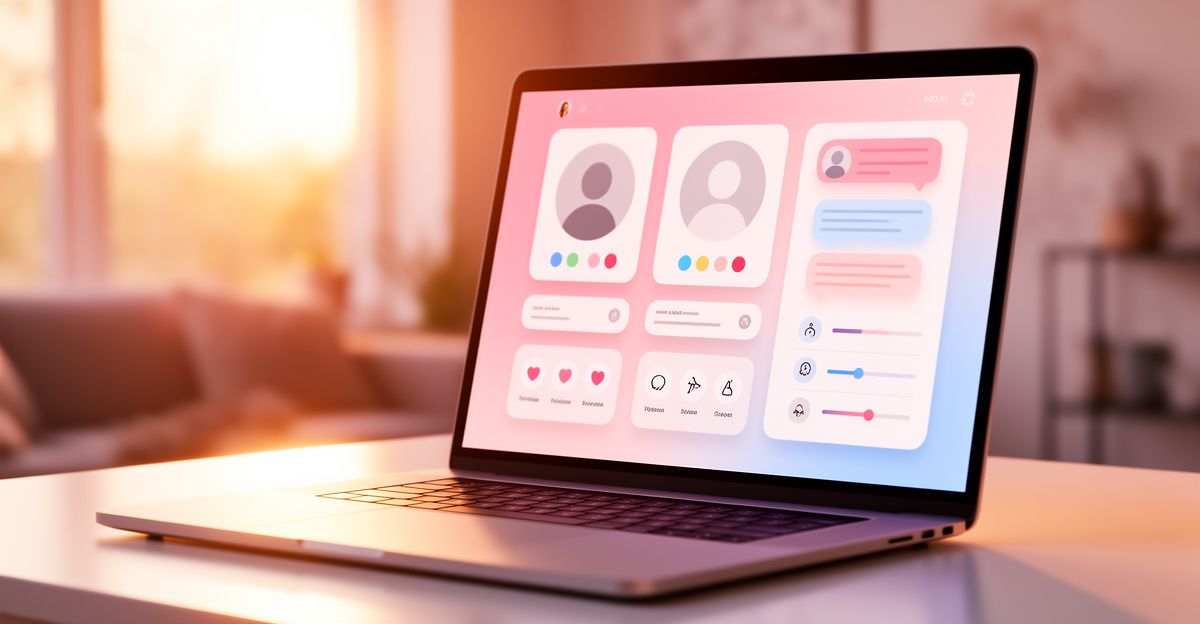
The desktop version of the platform is particularly useful if you find yourself squinting at a small phone screen or if you simply prefer the larger frame that a laptop or monitor gives you during a video call. You get a clearer view of who you are talking to, and the other person gets a clearer view of you, which matters more than most people realise when it comes to building an authentic first impression.
Getting Started on the LivU Website
When a colleague mentioned LivU at a networking event in London last spring, I went home that same evening and opened it in a browser to see what all the fuss was about. My first instinct was to click through every visible feature before starting a single conversation. That twenty-minute exploration paid off. I found the community guidelines, understood which features were free and which required coins, and got my camera working properly before anyone could see me fumbling with settings. That kind of preparation removes the anxiety that kills confidence in a first video call.
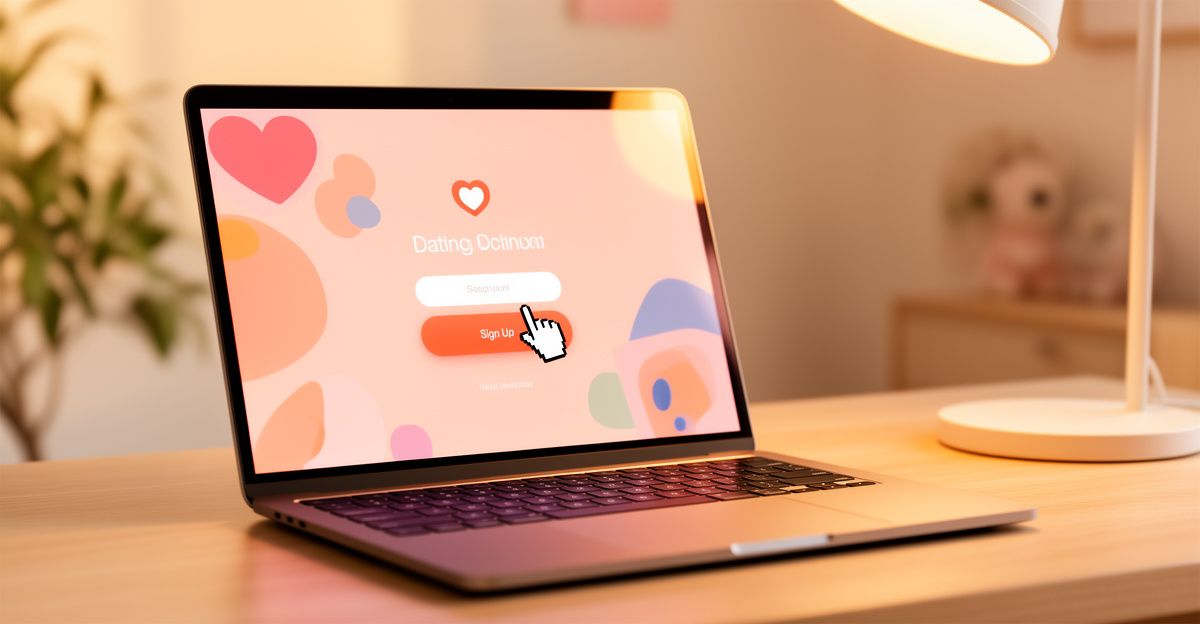
To begin, navigate to the LivU website and choose how you want to sign up. Most desktop users register with an email address or by linking a social account. The process takes under two minutes. Once inside, you will see a prompt to allow camera and microphone access. Grant these permissions before you do anything else. Without them, the core feature of the platform, live video chat, simply will not work, and you will waste time troubleshooting instead of connecting.
After permissions are sorted, take a moment to fill in your profile. Add a clear photo, write a short honest description of yourself, and set your language and location preferences. A complete profile builds trust with the people you meet and tends to result in longer, more meaningful conversations. People are more likely to keep talking when they feel they know something genuine about the person on the other side of the screen.
Navigating the Main Features on Desktop
The desktop interface gives you access to the same core features as the mobile app, but the layout feels more spacious and easier to read. The main area of the screen shows you a live video feed once you match with another user. A text chat panel sits alongside the video, so if the connection is patchy or one person prefers typing, the conversation does not have to stop.
The real-time translation feature deserves a mention here because it is one of the things that sets LivU apart from generic video chat tools. When you are speaking with someone whose language differs from yours, the platform can display translated subtitles during the conversation. This is practical, not gimmicky, and it opens up connection with people you would otherwise never be able to talk to. For anyone who has coached others through the nerves of meeting strangers, that kind of low-pressure icebreaker is genuinely valuable.
LivU also uses a coin system for certain premium actions. You can purchase coins through the website to send virtual gifts or unlock additional features. Verified accounts on the platform carry a badge, which is a useful trust signal when you are deciding how to engage with someone new. Always look for that verification marker before sharing personal details or moving a conversation to an external platform.
Staying Safe While Using LivU on Desktop
Safety is not an afterthought on a live video platform, it is the foundation of every good experience. The LivU website includes moderation tools that operate around the clock, and users can report or block anyone who behaves inappropriately. Use these tools without hesitation if something feels wrong. There is no vulnerability in protecting yourself; there is only good sense.
Keep your exact location private. Do not display personal documents, home addresses, or financial details on camera. If someone you have just met pushes you to move the conversation to WhatsApp or Telegram within the first few minutes, treat that as a red flag. Legitimate connections are happy to stay on the platform while trust is being built. The platform's 24/7 moderation is there to help, but your own awareness is your strongest safety layer.
For anyone exploring similar platforms, OmeTV is another live video chat option worth knowing about if you want to compare the experience before committing to one community.
Tips for a Better Desktop Experience
A few practical adjustments make a noticeable difference. Position your camera at eye level rather than pointing up from a desk. Natural light in front of you, not behind you, keeps your face clearly visible. A neutral background reduces distraction and keeps the focus on the conversation. These small details signal that you are taking the interaction seriously, which tends to invite a more genuine response from the person you are speaking with.
Use headphones if you can. Feedback from open speakers can disrupt a video call and makes you seem less present. A quiet room matters too. Background noise is one of the fastest ways to lose the thread of a conversation before it has a chance to develop into something real. Mindset matters as much as setup: go in curious rather than performative, and you will find the conversations come far more naturally.
Comments
No comments yet.
Leave a comment
Your email will not be shown. Comments are reviewed before they appear.