

What Is a LivU Withdrawal and Who Can Request One?
Not everyone on LivU is there to find a match. Many users build a real income by broadcasting live video, earning virtual coins from viewers, and then converting those coins into actual money. A LivU withdrawal is simply the process of moving those earned funds out of the platform and into your bank account.
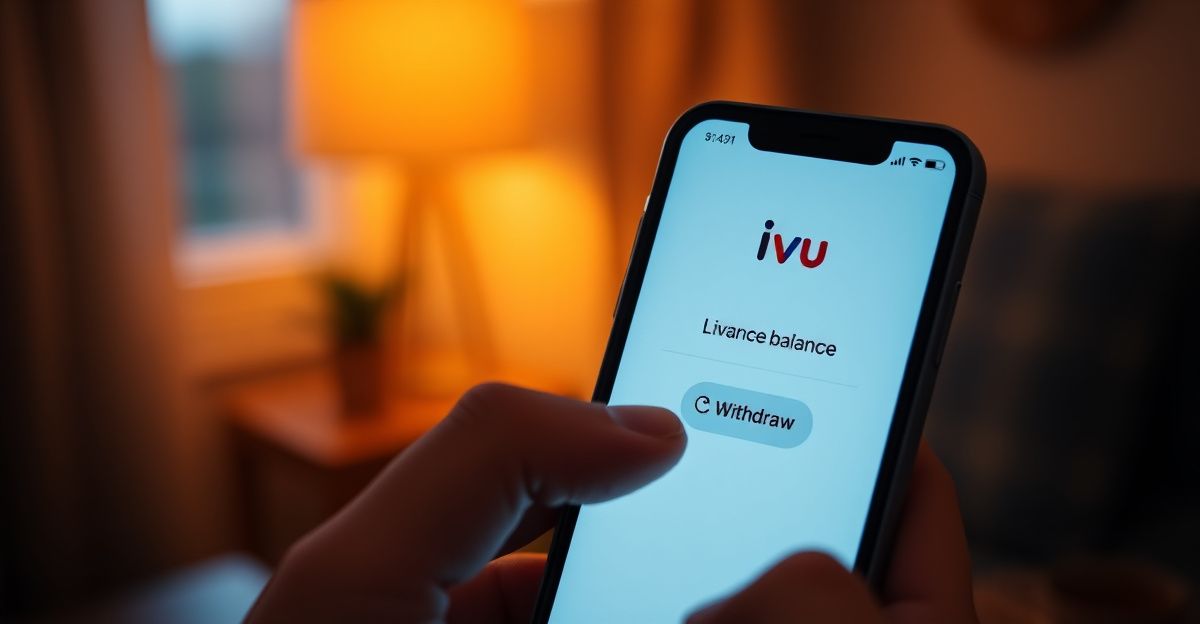
It is worth being clear about the difference between two types of payment requests. The first is a host earnings withdrawal, where you cash out coins gifted to you during live streams. The second is a coin refund, which applies if you purchased coins as a viewer and now want your money back. The rules, timelines, and approval criteria differ for each, so knowing which applies to your situation will save you a lot of frustration. Check the full breakdown on our LivU payouts page for more detail on how the earnings structure works.
How to Request Your Earnings: A Practical Walkthrough
The withdrawal process on LivU follows a fairly standard flow that you will recognise from other live-streaming platforms. Here is how it works in practice.
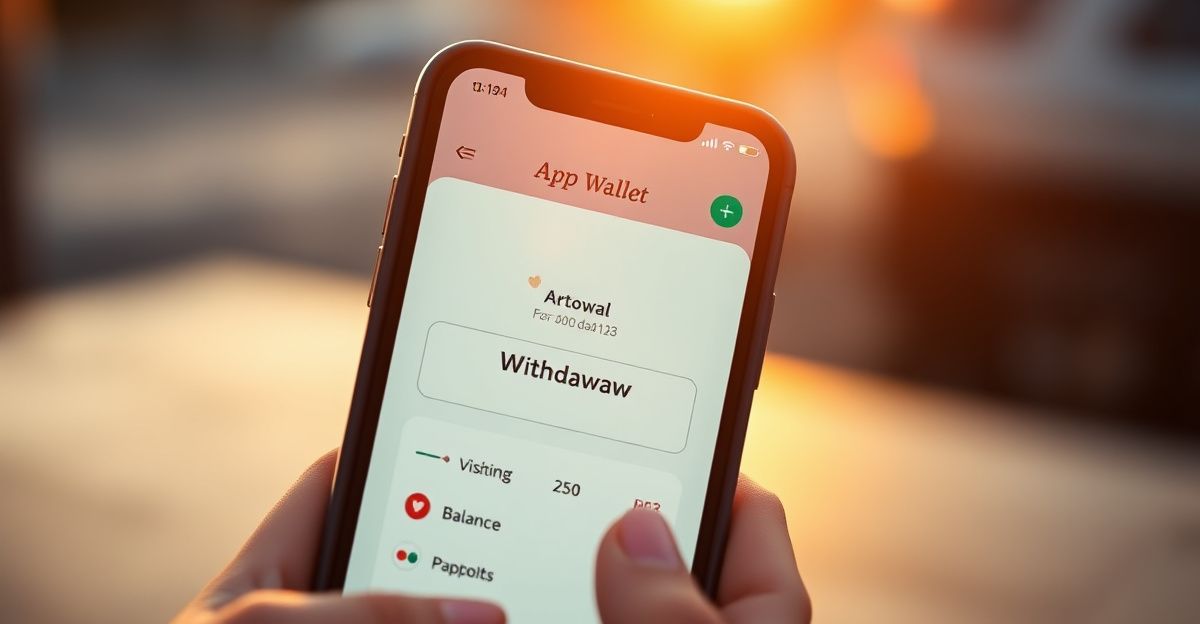
First, open the app and navigate to your wallet or earnings section. You will typically find this in your profile menu. Before you can submit a request, the platform requires you to verify your identity. This usually means uploading a government-issued ID and confirming your bank details. Do not skip this step or try to rush it. Platforms in the live-streaming vertical have tightened identity checks significantly since 2018, when GDPR came into force across Europe, and LivU is no exception.
Once your account is verified, select the amount you want to withdraw. Be aware that most platforms in this space enforce a minimum withdrawal threshold, so if your balance is below that figure your request will be held until you have earned enough. After you submit, the platform reviews your request before releasing the funds. According to LivU's own support documentation, approved refunds and payouts typically arrive within 7 to 14 working days. Build that window into your expectations so you are not chasing support after three days.
For a full overview of available options, visit our LivU payment methods page, which covers bank transfer details and any regional variations.
Why Withdrawals Sometimes Get Delayed
Delays are one of the most common complaints across live-streaming and dating platforms. A quick look at user-reported experiences shows that earnings withdrawals can stall for several reasons, and understanding them puts you in a stronger position to act confidently.
The most frequent cause is incomplete verification. If your ID documents are blurry, expired, or do not match the name on your bank account, the platform will pause your request until you resubmit. A second common reason is hitting an undisclosed review threshold. Platforms often apply additional manual checks to larger withdrawals. If your pending amount is significantly higher than your usual earnings, expect a longer review period.
Technical issues also play a role. App updates, payment processor maintenance windows, and regional banking holidays can all add days to the timeline. This is worth knowing because messaging support in a panic on day eight often produces no faster result than waiting for the stated 14-day window to close first. Keep your communication calm, specific, and documented. A message that includes your registered email, the exact amount, and the date you submitted the request will get a faster response than a vague complaint.
Read honest user experiences on our LivU complaints page to see how others have navigated delayed payments.
Refunds for Coin Purchases: A Different Process
If you are a viewer who bought coins and wants a refund rather than a host cashing out earnings, the route is different. Coin purchases made through the Apple App Store or Google Play are subject to those platforms' own refund policies, not LivU's. Google Play, for instance, has a narrow window for refund eligibility, typically 48 hours for most purchases. If you bought coins directly through the LivU app or website using a card or third-party processor like Codapay, you would need to raise a refund request through LivU support.
The 7 to 14 working day timeline mentioned in LivU's support pages applies to requests that have already been approved. Denial is also possible, particularly if the coins have been partially or fully spent. Being honest about usage in your request tends to produce better outcomes than disputing a full balance you have already used.
Practical Mindset: Done Is Better Than Perfect
There is a confidence angle to all of this that I think gets overlooked. Last April, I gave myself a strict 45-minute window to set up a new profile from scratch. I sat at my kitchen table with a coffee, picked three photos taken in natural light, and wrote a bio under 150 words that actually sounded like me. I hit publish before I could second-guess it. The same mindset applies to your first withdrawal request. Many new hosts sit on their earnings for weeks because they are unsure whether they have met all the requirements. Submit the request. If something is missing, the platform will tell you. Waiting for perfect conditions means waiting indefinitely.
That practical, action-first approach matters even more when you are dealing with a platform where documentation and timing are everything. The sooner you submit, the sooner the clock starts on that 7 to 14 working day window.
What to Do If Your LivU Withdrawal Is Still Not Paid
If 14 working days have passed and your payment has not arrived, take a structured approach rather than sending repeated messages. Start by checking that your bank details in the app are current and correct. A single digit error in an account number or sort code will cause the transfer to fail silently in many cases.
Next, gather your evidence. Screenshot your earnings balance before and after you submitted the request, note the submission date, and save any confirmation emails or in-app notifications. Then contact LivU support through their official channel with all of that information in one clear message. Avoid sending multiple tickets for the same issue as this can actually slow the process down.
If support is unresponsive after a reasonable additional period, you have further options as a UK-based user. The Financial Ombudsman Service handles some disputes involving digital payments, and Action Fraud accepts reports of non-payment where fraud is suspected. Consumer protection rights in the UK are robust, and keeping a paper trail from the start means you are in a strong position if escalation becomes necessary. For a broader look at how the platform handles payments, our LivU cashout guide covers the full picture.
Comments
No comments yet.
Leave a comment
Your email will not be shown. Comments are reviewed before they appear.