


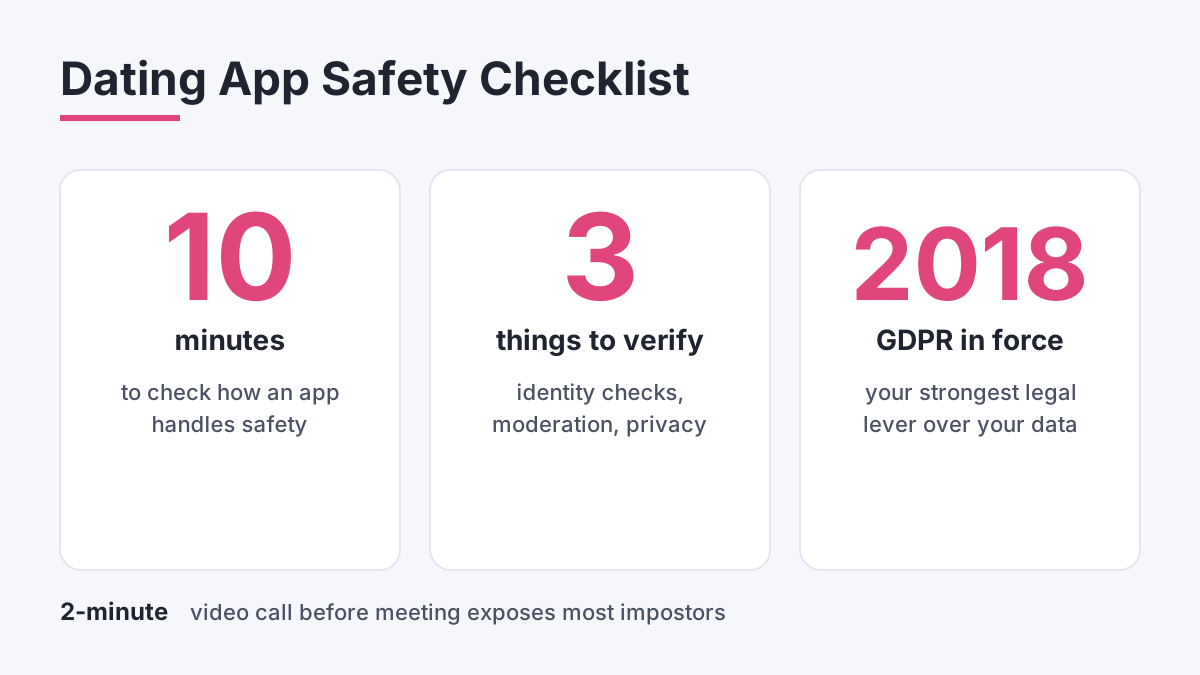
Safety on a dating app comes down to three things you can check in about ten minutes: how the platform confirms who is real, how quickly it removes bad actors, and what it does with your data. Most marketing pages skip all three. This guide compares the features that matter, using a data-driven lens rather than download counts, so you can decide which app deserves your time and which deserves a cautious profile with no personal details. In 2018 GDPR took effect, and that is still the strongest legal lever UK users hold over how apps handle personal information.
What makes a dating app safe in practice
Safety is not one feature. It is a stack of controls, and the weakest layer decides your risk. A platform with polished design but email-only sign-up lets anyone create ten fake profiles before lunch. A platform with strict verification but slow reporting lets a scammer keep messaging while your complaint sits in a queue.
Start with identity checks. Photo verification asks a new user to take a live selfie, often copying a random pose, which software then compares with profile photos. It stops the laziest catfishing, where someone steals a model's pictures. It does not prove a person is single, honest or who they claim to be in conversation. Treat the badge as a minimum bar, not a guarantee.
Next comes moderation. Good platforms combine automated detection of spam, explicit images and scam wording with human review teams who act on reports. Ask how long a report takes to resolve and whether you get any outcome message. Silence is a bad sign. Finally, look at privacy: what is collected, how long it is kept, and whether you can delete everything. Many free services earn money from advertising, so read the policy before you upload anything sensitive.
Verification compared across the main UK apps
Verification is where apps differ most, so it is the best place to start a comparison. Broadly there are three models in use. Some apps make selfie verification compulsory at sign-up. Some offer it as an optional badge. Some rely on email or phone confirmation alone, which confirms only that an inbox exists.
The practical difference shows up in the fake-profile rate you meet. On platforms with optional verification, filter your search to verified users only if the setting exists, and ignore unverified profiles that push you to move chats elsewhere within the first few messages. Apps that integrate in-app video calling add a second checkpoint: a two-minute call before meeting exposes most impostors quickly.
Phone verification adds friction for bots, because each number costs something to obtain, yet it is easy for a human scammer to pass. Social media linking is weaker still. Anyone can build a convincing Instagram account in an afternoon. When comparing apps, rank the checks in this order: live selfie match, in-app video call, phone number, linked social account, email only. Our own guide to how verification works on LivU follows the same logic, and our write-up on fake profiles explains the warning signs in more depth.
Moderation, reporting and response times
Reporting tools are only useful if someone reads the reports. The better apps place a report button inside every chat and on every profile, let you attach screenshots, and use automated systems to catch obvious spam before a human is involved. They also block repeat offenders at device level, not only at account level, because a banned scammer simply registers again.
Common complaints across the sector are consistent: fake profiles and bots, slow or unhelpful support, harassment through unsolicited explicit messages, and ghosting. Support quality is hard to measure from outside, but you can test it yourself. Send a harmless query to customer support before you pay for anything and note how long the answer takes and whether it addresses your question. A reply within a day with a real answer is a good sign. An auto-reply that never gets followed up tells you what to expect when something serious goes wrong.
Check the safety centre too. Strong platforms publish clear guidance on meeting safely, how to report, and how to contact law enforcement. Weak ones bury a generic tips page three clicks deep. If you want a closer look at how a smaller platform handles complaints, see our notes on LivU complaints.
Scam protection and the red flags to watch
Romance scams follow a script, and knowing it protects you better than any app feature. The profile looks too polished, often with model-quality photos and a vague job such as engineer overseas or military posting. Contact escalates fast. Within days the person wants to move to WhatsApp or Telegram, where the dating platform can no longer see messages or ban the account.
Then comes the story: a sudden emergency, a customs fee, a medical bill, an investment tip, a gift card request. Whatever the packaging, the ask is money or financial details. Refuse every time, and report the profile in the app. Other warning signs include refusal to video call, inconsistent details between messages, grammar that does not match the claimed background, and declarations of love within a week.
Reverse image search on profile photos takes under a minute and catches stolen pictures. Pay attention to payment requests inside the app too. Legitimate platforms bill through the App Store, Google Play or a recognised card processor. A match who asks you to buy credit on an unfamiliar site is not a match at all. If you have already sent money, tell your bank immediately and report it to Action Fraud.
What I saw testing boosts and visibility tools
Paid features are a safety topic as well as a cost topic, because they change who sees you and how fast. Last October I tested the boost and spotlight tools on three different apps over two weeks in Manchester. Each boost cost between 1.79 and 5.99 per use, and I logged profile views before and after activation at the same times of day. The uplift was real but short: views peaked within about 30 minutes, then dropped back.
Timing mattered more than frequency. A single boost on a busy evening beat several scattered ones at quiet hours. The safety angle is that more visibility also means more messages from strangers, including more suspicious ones. After each boost I saw a rise in generic openers and two profiles that tried to move the chat off-app straight away. If you pay for visibility, tighten your filters first, switch on any verified-only setting, and keep your location approximate.
Which app type suits which kind of user
There is no single winner, because safety needs differ. If your priority is avoiding fakes, choose an app with compulsory photo verification and use verified-only filters where available. If you want slow, serious conversations, pick a platform with built-in video calling so you can confirm identity before sharing a number. If privacy is the main worry, favour apps that let you hide exact distance, use a first name only, and delete data fully on request.
Whatever you choose, the same personal habits apply. Use a photo that does not show your workplace or street. Keep full name, surname and social handles out of your bio. Share your live location with a friend on the first meeting, choose a busy public venue, and arrange your own transport. Turn on two-factor authentication where offered, and use a password you do not reuse. Smaller services deserve the same scrutiny as the big names, so read our safety assessment of LivU and the wider LivU review before you decide. For video-first chat with a different format, Shagle at shagle.co.uk is one option, though random video chat carries its own moderation challenges.
Your pre-sign-up safety checklist
Before you create any profile, spend a few minutes on due diligence. Read the privacy policy and look for mentions of third-party data sharing. Check whether the app verifies users and whether verification is compulsory. Search the app name alongside the words complaints and scam, and read recent reviews rather than the top-rated ones. Look at how the company says it handles reports.
After sign-up, set your privacy options straight away, switch off anything that exposes precise location, and test the block and report buttons so you know where they are before you need them. Treat the first week as a probation period for the platform itself. If you meet several obvious bots, if support ignores a test query, or if the app pushes aggressive upsells, move on. Good platforms earn trust through evidence, and you owe them nothing until they do.
Comments
No comments yet.
Leave a comment
Your email will not be shown. Comments are reviewed before they appear.